Your account dashboard
:::info Open it in ZonaCNC 👉 Go to My Account in ZonaCNC → :::
When you log in, ZonaCNC takes you straight to My Account (Mi cuenta): the central hub where you manage everything, whether you are buying machinery or selling it. From here you control your personal details, messages, listings, subscription, and much more. Use it as your starting point every time you visit the portal.
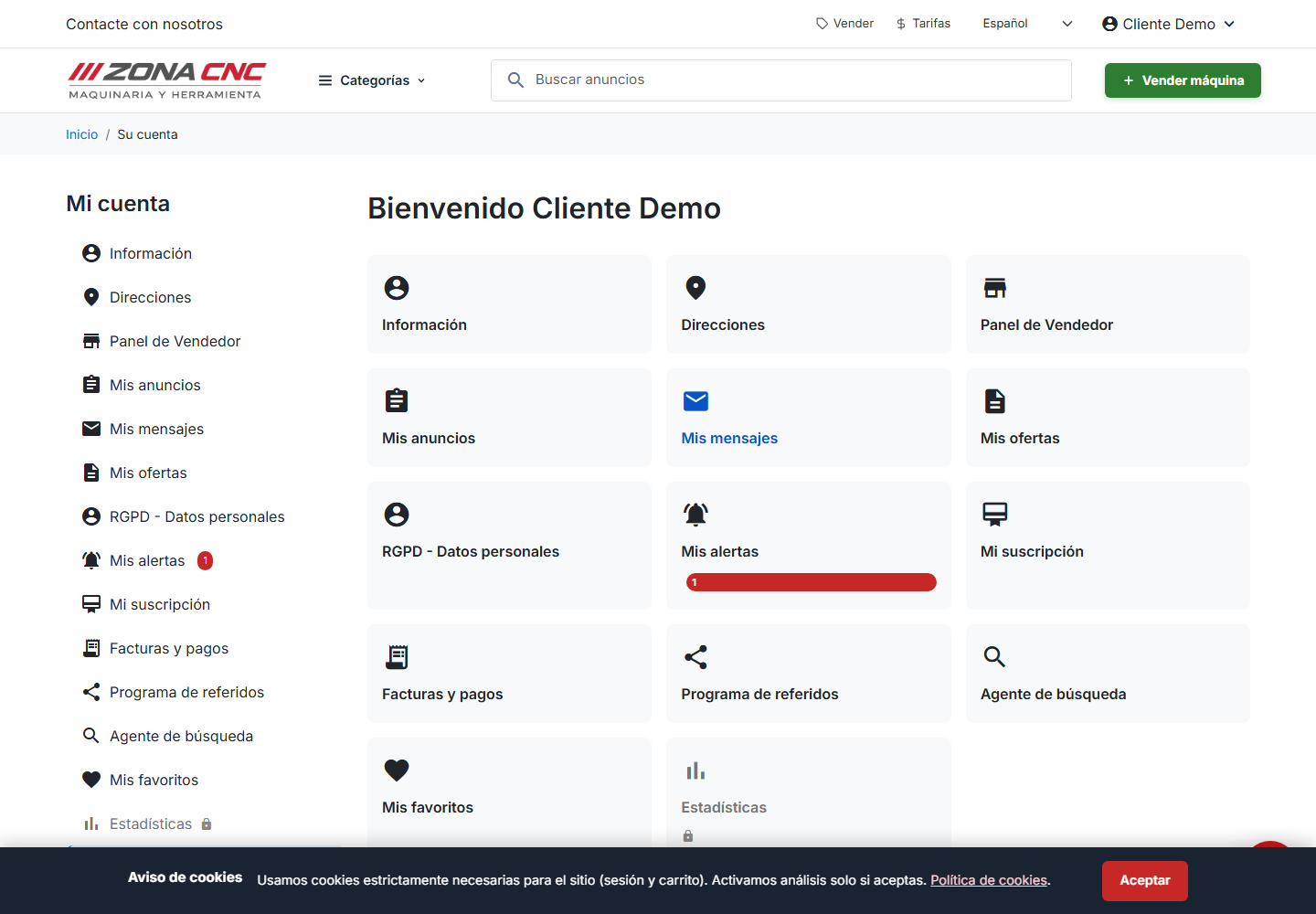
Menu sections
The sidebar menu brings all your tools together in one place:
- Information (Información) — Your contact and company details. Keep them up to date. See Personal details.
- Addresses (Direcciones) — Your billing addresses. See Addresses.
- Seller Dashboard (Panel de Vendedor) — Your management area as a seller. See Seller dashboard.
- My listings (Mis anuncios) — The machinery you have published. See My listings.
- My messages (Mis mensajes) — Your conversations with buyers and sellers. See Messages.
- My offers (Mis ofertas) — The offers you send or receive. See My offers.
- GDPR – Personal data (RGPD - Datos personales) — Your data-protection rights. See Personal data (GDPR).
- My alerts (Mis alertas) — Automatic notifications for new machinery. See Saved searches and alerts.
- My subscription (Mi suscripción) — Your seller plan and its current status. See Subscription and billing.
- Invoices and payments (Facturas y pagos) — Download your invoices. See Invoices and payments.
- Referral programme (Programa de referidos) — Invite others and earn rewards. See Referral programme.
- Search agent (Agente de búsqueda) — Finds machinery on your behalf. See Search agent.
- My favourites (Mis favoritos) — Machinery you have saved. See Favourites.
- Statistics (Estadísticas) — The performance of your listings. See Statistics.
- Log out (Cerrar sesión) — Sign out of your account securely, especially on shared devices.
tip
Some sections — such as Seller Dashboard, My listings, and Statistics — become relevant once you start selling. If you are only buying, you will rely more on Favourites, My messages, and Search agent.
Tips
- Review Information and Addresses before purchasing a plan to ensure your invoicing details are correct.
- Always log out when using a shared computer.