How to create an account on ZonaCNC
:::info Open it in ZonaCNC 👉 Go to create your account on ZonaCNC → :::
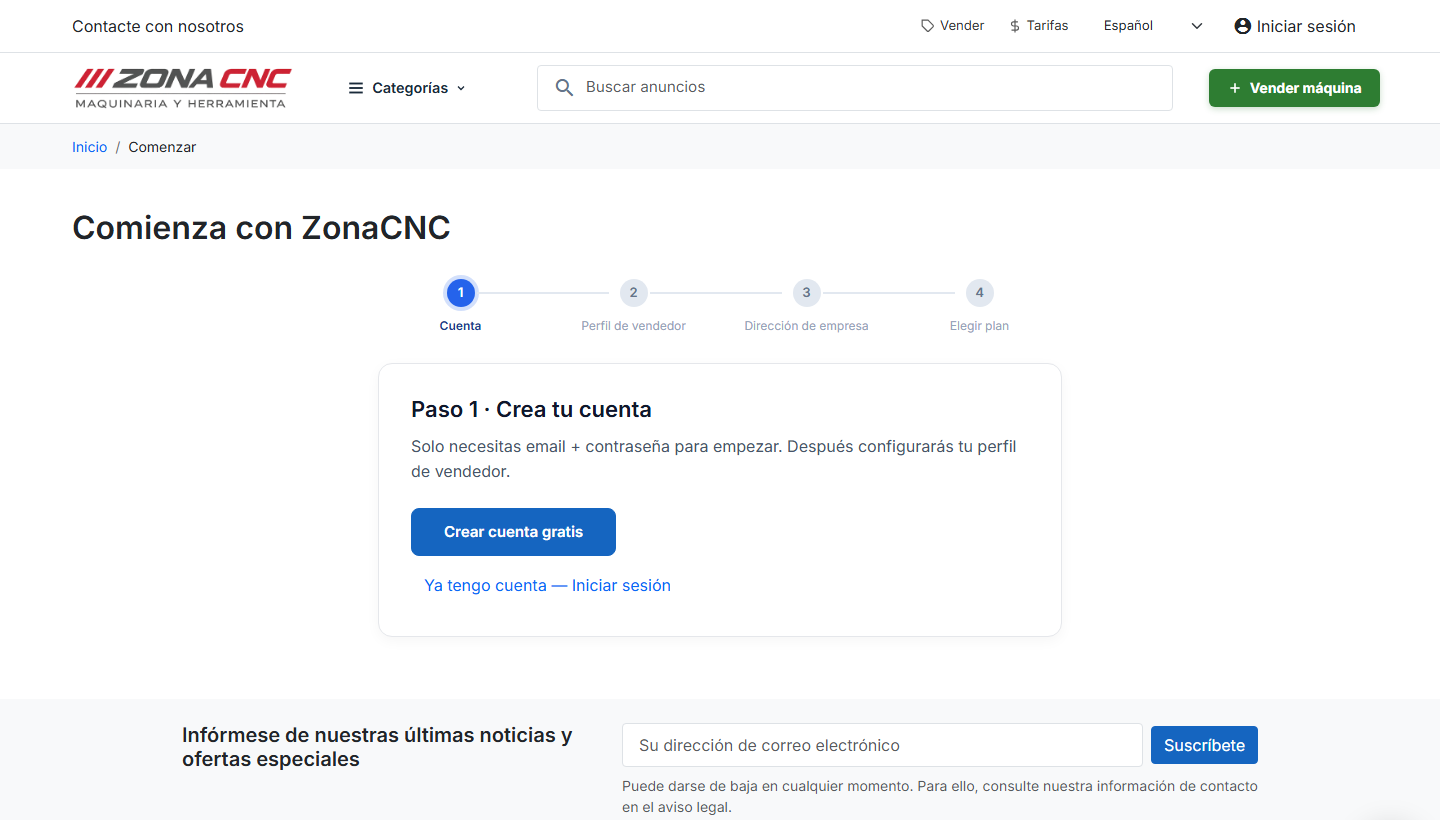
Creating an account on ZonaCNC is free and takes less than a minute. You need one to contact a seller, save machines to your favourites, set up search alerts, and — if you wish — list your own machinery for sale. If you just want to browse the catalogue, you can do so without registering; an account only becomes necessary when you want to take action.
Steps
- Go to the registration page via the Create account or Sign up link in the site header.
- Choose how you want to register:
- With email and password: enter your email address and choose a password.
- With Google or Microsoft: click the corresponding button and authorise access. It's a one-click sign-up — no new password to remember.
- Fill in any additional details requested and confirm your registration.
- Once you're in, you can start contacting sellers, saving favourites, and creating alerts straight away.
:::tip Tip Signing up with Google or Microsoft is the fastest and most secure option: no new password to create or memorise, and you log in with the account you already use every day. :::
What you can do after registering
- Contact sellers directly from each machine's listing page.
- Save favourites using the heart icon so you can come back to them whenever you like.
- Create alerts and receive an email when machinery matching your criteria appears.
- Sell: publish your own listings for new or used machinery.
Common mistakes
- Typo in your email address: double-check that it's correct — you'll need it to log in and receive notifications.
- Trying to register twice: if you already have an account with that email, go straight to the login page instead of creating another one.
- Mixing sign-in methods: if you registered with Google, always log in with Google. You won't need a separate password.