Save machines to your favourites
:::info Open it in ZonaCNC 👉 Go to My Favourites on ZonaCNC → :::
Favourites let you save the machines you are interested in so you never lose track of them and can return to them later. It is the easiest way to compare options without having to repeat your search every time. You need to be logged in to use this feature.
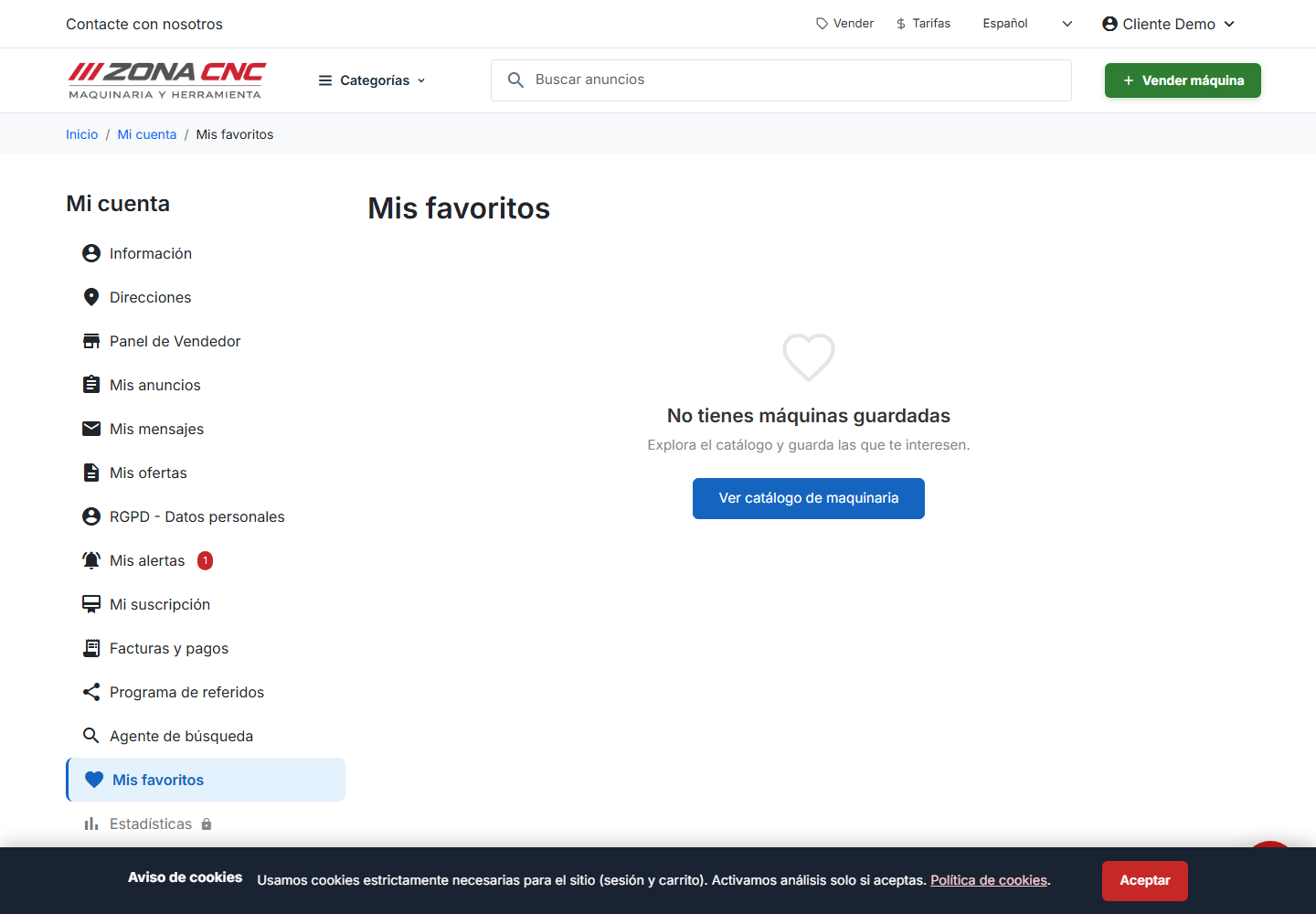
Steps
- Log in to your ZonaCNC account.
- Find the machine you are interested in, either in the search results listing or on its product page.
- Click the heart icon shown on the listing card or on the product page.
- The machine is saved to your favourites. To remove it, click the heart again.
:::tip Tip The heart icon is available both on listing cards and inside each machine's product page, so you can save an interesting option the moment you spot it — without opening the full listing. :::
What you can use favourites for
- Compare several machines of the same type before deciding to get in touch.
- Come back later to a listing you have seen but are not yet ready to act on.
- Keep your shortlist handy without having to remember the search you ran.
Common mistakes
- Trying to save without being logged in: if you have not signed in to your account, log in first and then click the heart.
- Thinking that saving a machine reserves it: favourites are simply your personal list. They do not reserve or hold the machine; to move forward you need to contact the seller.