GDPR - Personal Data
:::info Open it in ZonaCNC 👉 Go to your personal data on ZonaCNC → :::
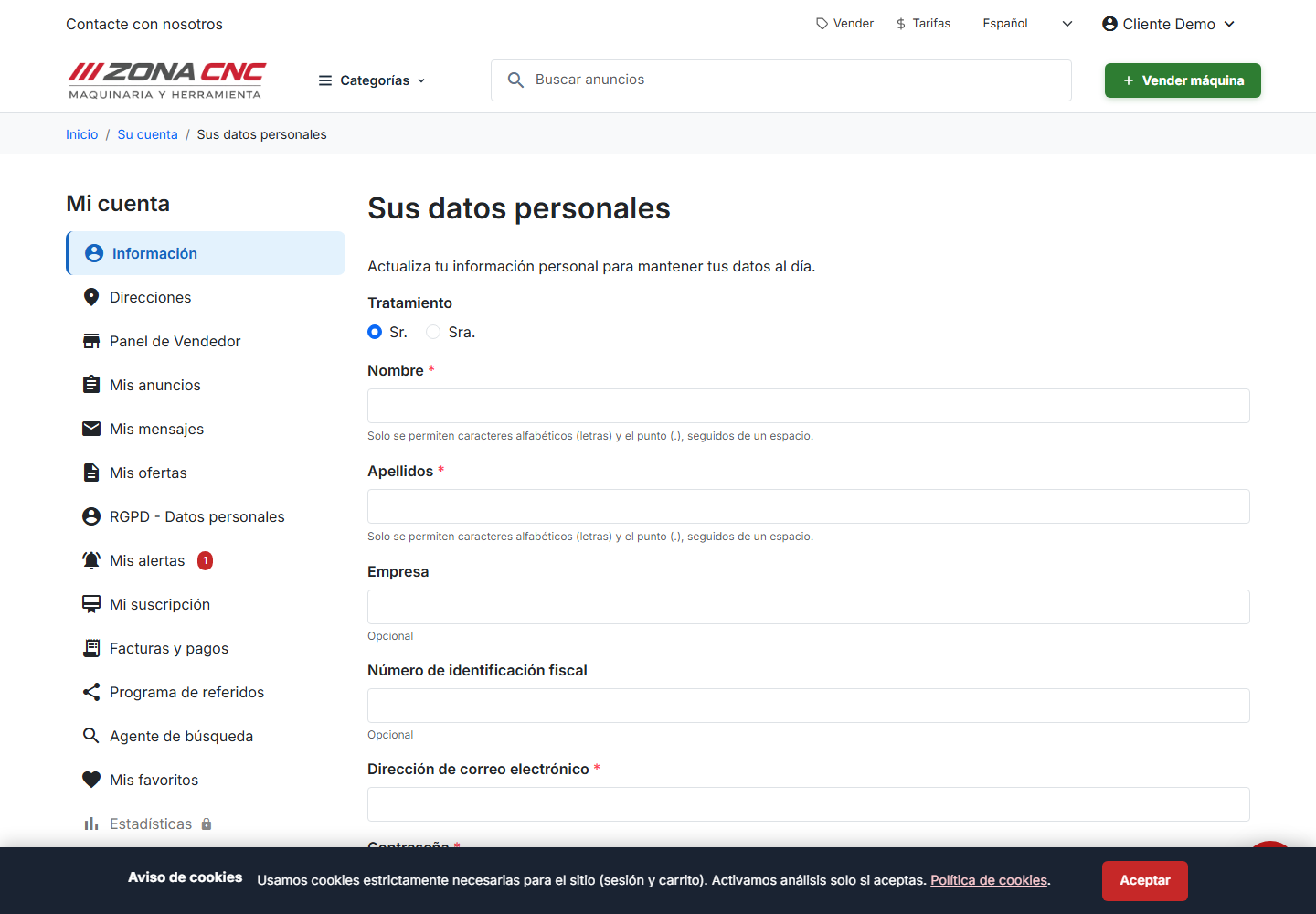
The GDPR - Personal Data section lets you exercise your data protection rights over the information ZonaCNC holds about you. From here you can view and download your personal data, manage your consents, and request the deletion of your account. Use it whenever you want to review what information is stored, or when you decide to stop using the platform.
Steps
To view or download your data:
- Go to My Account and open GDPR - Personal Data (RGPD - Datos personales).
- Request access to or an export of your personal data.
- Download the generated file and store it somewhere safe.
To manage your consents:
- In the same section, review the permissions you have granted (for example, marketing communications).
- Enable or disable them according to your preferences and save.
To request deletion of your data:
- Open GDPR - Personal Data (RGPD - Datos personales).
- Request the deletion of your account and confirm the request.
Deleting your account is a permanent action. Removing your data will affect your published listings, messages, and history: your machinery will no longer be visible and you will lose access to your subscription. Make sure you download anything you want to keep before proceeding.
If you simply want to stop receiving communications, there is no need to delete your account — just adjust your consents in this same section.
Tips
- Download a copy of your data before any deletion.
- Review your consents from time to time to make sure they reflect what you actually want to receive.
Common mistakes
- Confusing account deletion with subscription cancellation: these are two different things; review your plan under My Subscription.
- Not downloading your data first: once deleted, your data may not be recoverable.