Your message inbox
:::info Open it in ZonaCNC 👉 Go to My Messages on ZonaCNC → :::
Every enquiry you send to a seller starts a conversation inside ZonaCNC. The message inbox in your account brings all those conversations together in one place, so you never lose track of the machines you have asked about. Use this guide whenever you want to review replies or continue talking with a seller.
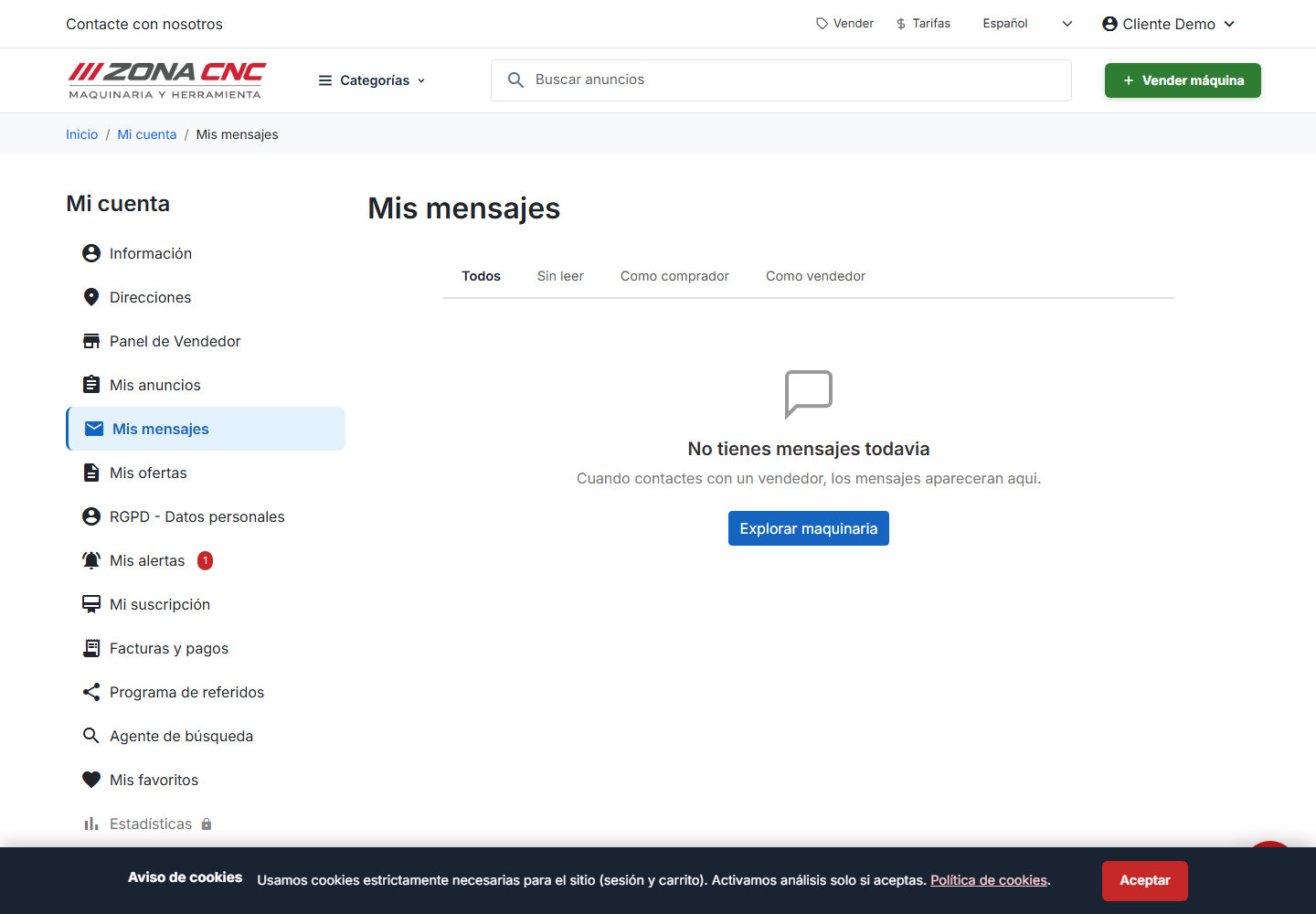
Steps
- Sign in to your ZonaCNC account. The message inbox is only available to logged-in users.
- Go to the messages section inside your account.
- You will see the list of conversations with the sellers you have contacted.
- Open a conversation to read the replies and the full message history.
- Type your reply within the same conversation to continue the discussion with the seller.
:::warning Important You must be signed in to view your messages. If you have forgotten your password, recover it before looking for your conversations. :::
Tips
- Keep communication centralised. Staying within ZonaCNC gives you a tidy history of every negotiation.
- Reply promptly. A quick response helps close the deal faster, especially if other buyers are also interested in the machine.
- Check regularly. Log in from time to time so you do not leave any seller messages unanswered.
- One conversation per listing. Each machine you enquire about has its own thread, keeping details from different machines separate.
Common mistakes
- Trying to view messages without signing in. The inbox is not displayed without an active session.
- Looking for replies only in your email. Conversations are saved in your account; the inbox is the complete source of record.
- Leaving conversations unfinished. If you are no longer interested in a machine, a brief closing message is good practice.